







QuickMagic

AI-powered
Converts video or text prompts into editable 3D motion capture data for animation workflows
Quickmagic.aiOpens in new tabIs this your tool? Claim this page
Claim Your Tool Page
Free to claim • Premium features available
- Verified Badge – Show users your tool is legitimate with a verified checkmark that builds instant credibility.
- Edit Your Profile – Update descriptions, screenshots, pricing, and keep your listing accurate and up-to-date.
- Boost Visibility – Get featured placements, priority listing in categories, and promotional badges to stand out.
- Respond to Reviews – Engage with your users by responding to feedback and building trust with potential customers.
Follow for updates & deals
Get alerts for QuickMagic discounts, feature releases & pricing changes
Similar Tools

Vsub
Turns a script or voiceover into narrated, illustrated faceless videos using your own style template

Morph Studio
AI image and video generator with text-to-video, image-to-video and video style transfer

Morphic
AI storytelling suite to generate, animate and edit images and video with a canvas and copilot

Mootion
AI video generator that turns text, scripts, ideas and images into scene-based videos

Vidu
AI video generator turning text prompts, images and references into video

We Are Learning
Create 3D animated, interactive training stories and scenarios with AI help

Steve AI
AI video maker that turns text, audio, blogs or prompts into animated or live-action videos

Plask
Converts video into 3D character animation with AI motion capture and FBX/BVH/GLB export
New Tools

Text Generator
OpenAI-compatible API giving access to many AI text, vision and speech models through one endpoint

RambleFix
Turns spoken voice notes into polished emails, notes and summaries on web, iPhone and Mac

QuickCreator
AI content team of agents that researches, writes and optimizes SEO articles in your brand voice

Linfo.ai
Summarizes articles, YouTube videos and documents into takeaways, outlines and mind maps

Brain Pod AI
AI platform for writing, images and chat, now evolving into Charigent with AI characters and workflows

AutoBlogging.Pro
Generates SEO-optimized blog articles with GPT models and publishes them to WordPress automatically

VideoToPage
Turns YouTube videos, uploads and recordings into blog posts, articles and social posts

QuickMagic Media Gallery
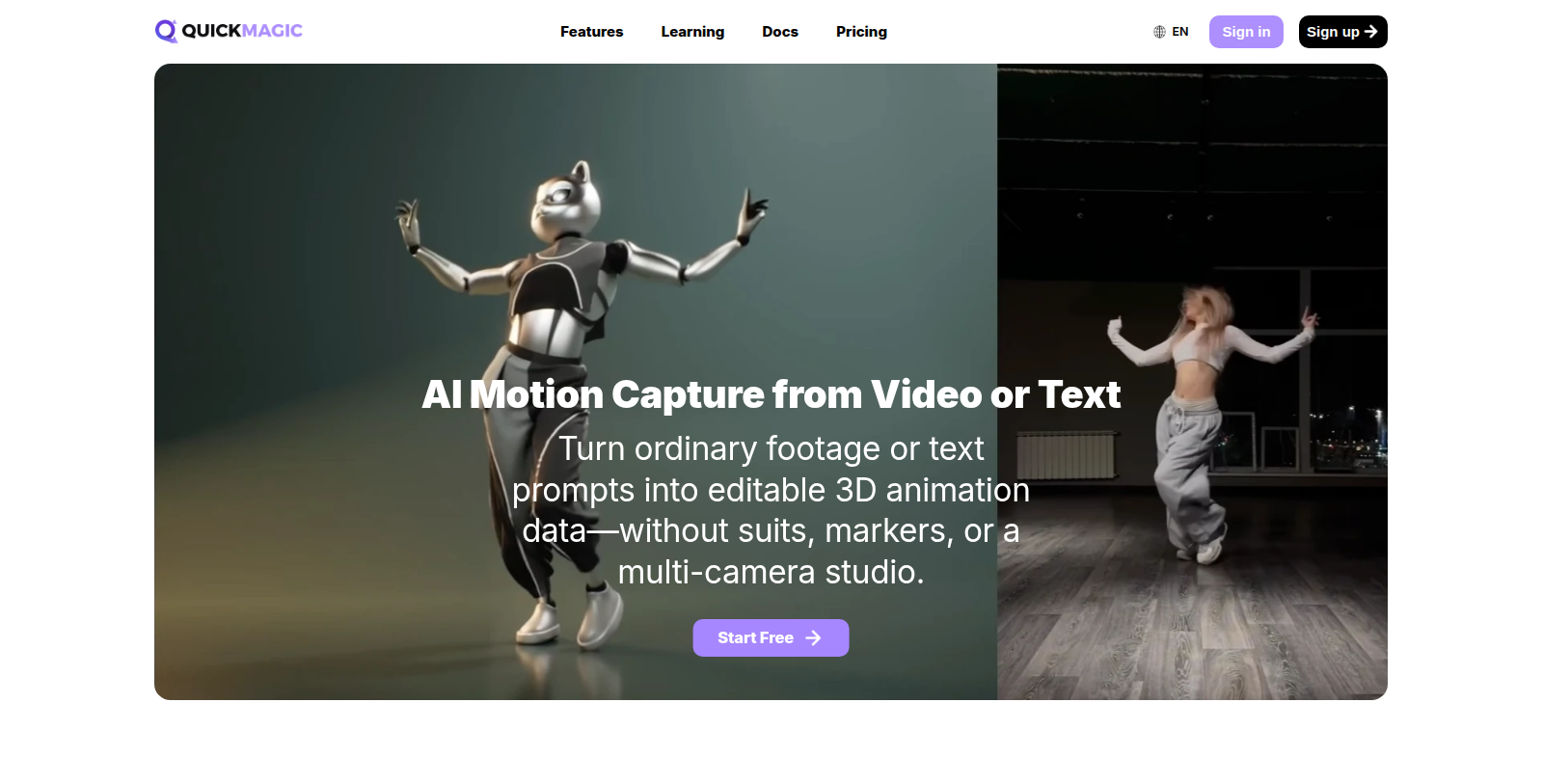
Screenshot of QuickMagic
What is QuickMagic?
QuickMagic estimates full-body, hand and facial movement from ordinary footage recorded with a phone, webcam or camera, or generates motion from a text prompt, and turns it into editable 3D animation data.
Results can be exported in formats such as FBX, BVH, BIP, C4D, VMD, Mixamo and Unreal Engine formats for use in Blender, Unreal Engine, Unity, Maya, 3ds Max and MotionBuilder. Export availability varies by plan.
The site notes that results depend on subject visibility, motion blur, occlusion and camera movement. There is a free plan with 50 coins, paid Basic and Pro plans with monthly credits, longer videos and more export formats, and an API for developers. Learning resources and documentation are linked from the site, along with yearly billing that the site advertises as saving 20%.
Pros & Cons
Pros
- Estimates full-body, hand and facial motion from a single phone or webcam video
- Exports to FBX, BVH and Unreal Engine formats for common 3D software
Cons
- Results depend on subject visibility, motion blur, occlusion and camera movement
Frequently Asked Questions
How much does QuickMagic cost?
QuickMagic is available at no cost.
Does QuickMagic have a lifetime deal?
According to our latest information, this tool does not seem to have a lifetime deal at the moment, unfortunately.
What input do I need for motion capture?
You can use ordinary footage recorded on a phone, webcam or camera, and the tool estimates full-body, hand and facial movement from it. Motion can also be generated from a text prompt. No suits, markers or multi-camera studio are needed, which keeps simple setups practical.
Which file formats and software does it export to?
Results can be exported in FBX, BVH, BIP, C4D, VMD, Mixamo and Unreal Engine formats. They are meant for Blender, Unreal Engine, Unity, Maya, 3ds Max and MotionBuilder. Export availability varies by plan, so confirm that the format you need is included in the plan you choose.
What affects the quality of the captured motion?
The site notes that results depend on subject visibility, motion blur, occlusion and camera movement. Footage that keeps the subject fully visible is more likely to give clean data. Heavy blur or a moving camera can reduce accuracy, so test with your own footage before relying on the output.
Is there an API for developers?
Yes, the site offers an API in addition to the web tool. Learning resources and documentation are linked from the site, which helps teams that want to automate the process. Check the official website for current API details and for which plans include access.
Which plans unlock longer videos?
Paid Basic and Pro plans add monthly credits, longer videos and more export formats. The site also advertises yearly billing as a saving, and learning resources are linked for new users. Check the official website for the exact limits of each plan.
Notice: This website uses affiliate links to earn commissions from sales. Please read their ToS when signing up somewhere.