







SkedPal

AI-powered
AI calendar that turns your to-do list into an adaptive, time-blocked schedule with calendar sync
Skedpal.comOpens in new tabIs this your tool? Claim this page
Claim Your Tool Page
Free to claim • Premium features available
- Verified Badge – Show users your tool is legitimate with a verified checkmark that builds instant credibility.
- Edit Your Profile – Update descriptions, screenshots, pricing, and keep your listing accurate and up-to-date.
- Boost Visibility – Get featured placements, priority listing in categories, and promotional badges to stand out.
- Respond to Reviews – Engage with your users by responding to feedback and building trust with potential customers.
Follow for updates & deals
Get alerts for SkedPal discounts, feature releases & pricing changes
Similar Tools

Luna AI
AI project management for product and engineering teams that links OKRs and roadmaps to Jira

Zite
AI builder for custom business apps, databases and automations with unlimited users

Bika.ai
AI organizer that combines agents, automations, databases, dashboards and documents in one workspace

Autohive
No-code AI agents that run recurring jobs on a schedule and deliver the results to you

Audimate
Desktop assistant that watches you do a task once, then writes a playbook and runs it for you

Timely
AI time tracker that automatically captures work and fills timesheets for agencies and consultancies

Signal87 AI
AI-powered platform for extracting insights and managing unstructured documents efficiently

Yahini
AI content agents for keyword research, briefs and drafts in one content operations workspace
New Tools

Text Generator
OpenAI-compatible API giving access to many AI text, vision and speech models through one endpoint

RambleFix
Turns spoken voice notes into polished emails, notes and summaries on web, iPhone and Mac

QuickCreator
AI content team of agents that researches, writes and optimizes SEO articles in your brand voice

Linfo.ai
Summarizes articles, YouTube videos and documents into takeaways, outlines and mind maps

Brain Pod AI
AI platform for writing, images and chat, now evolving into Charigent with AI characters and workflows

AutoBlogging.Pro
Generates SEO-optimized blog articles with GPT models and publishes them to WordPress automatically

Vsub
Turns a script or voiceover into narrated, illustrated faceless videos using your own style template

VideoToPage
Turns YouTube videos, uploads and recordings into blog posts, articles and social posts

SkedPal Media Gallery
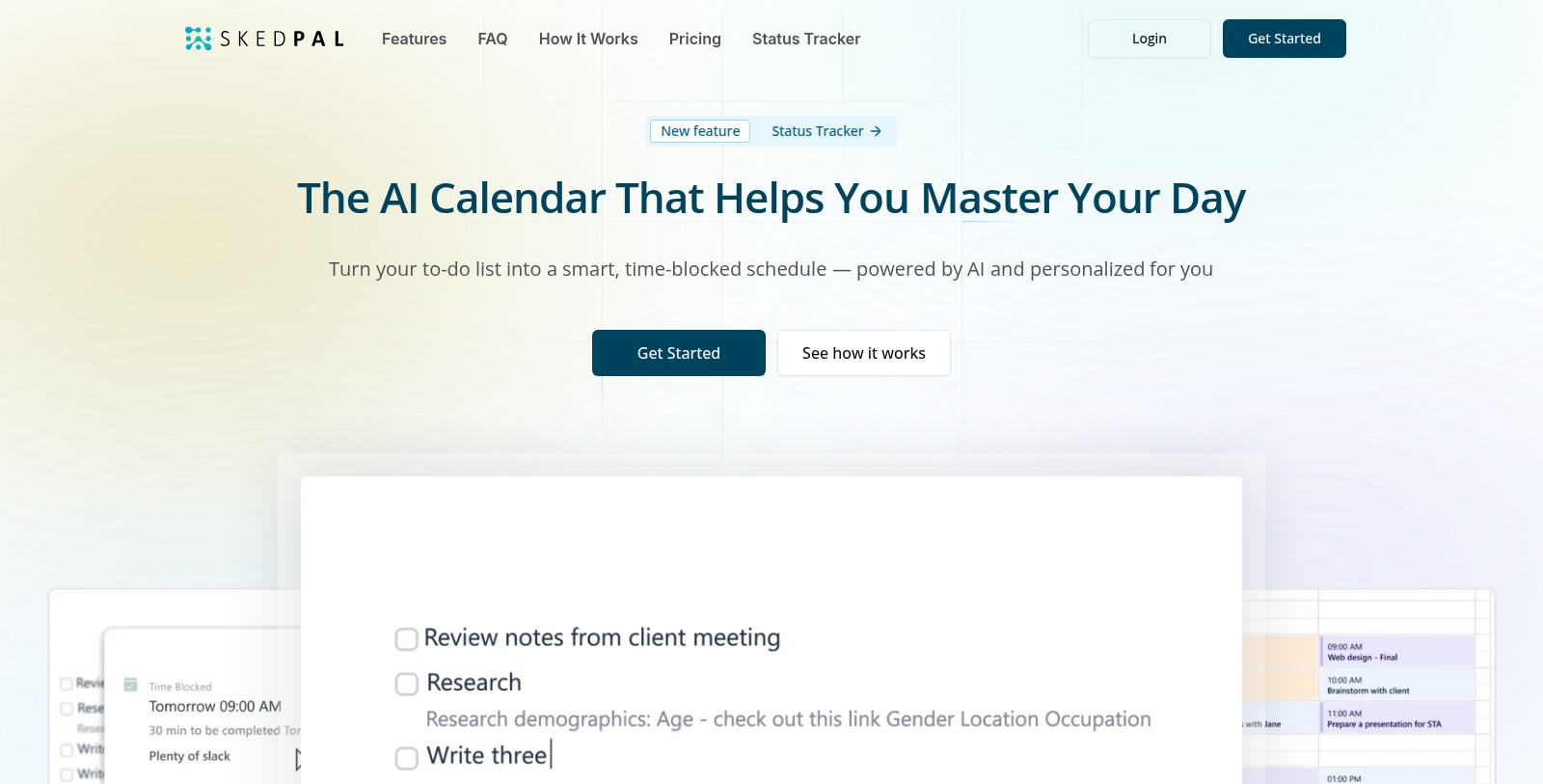
Screenshot of SkedPal
What is SkedPal?
SkedPal is a planning and scheduling application that automatically places tasks from a to-do list into a realistic calendar. It plans around priorities, availability and existing calendar events, and adapts the schedule when interruptions or priority changes occur.
Features listed include infinite nested task lists, a prioritization board, time budgeting for zones such as deep work and admin, two-way calendar sync, a status tracker and smart notifications on desktop and mobile. The Core plan includes a 21-day scheduling window, while Pro extends it to 60 days with unlimited calendar accounts.
Plans are priced from about $9.95 per month (Core) and $14.95 per month (Pro) when billed annually, with a 14-day free trial and no credit card needed to sign up. It suits individuals and teams who want task management and time blocking in one tool.
Pros & Cons
Pros
- Places to-do list tasks into a calendar based on priorities and availability
- Two-way calendar sync with Google, Office 365 and iCloud calendars
- Adjusts the schedule automatically when interruptions or priority changes happen
Cons
- The Core plan's scheduling window is 21 days, shorter than the 60 days on Pro
Frequently Asked Questions
How much does SkedPal cost?
SkedPal is a paid service. Check their website for pricing.
Does SkedPal have a lifetime deal?
According to our latest information, this tool does not seem to have a lifetime deal at the moment, unfortunately.
How does SkedPal turn a to-do list into a schedule?
SkedPal automatically places your tasks into a realistic calendar. It plans around your priorities, availability and existing events. When interruptions or priority changes occur, the schedule adapts. You can also group tasks in infinite nested lists and use a prioritization board to organize them before they are scheduled.
Which calendars can SkedPal sync with?
The short description says SkedPal syncs with Google, Office 365 and iCloud calendars, and the full listing mentions two-way calendar sync. The Pro plan allows unlimited calendar accounts, while Core is more limited. Check the website for current connection details before linking a work calendar.
Can I use time blocking with SkedPal?
Yes, SkedPal supports time budgeting for zones such as deep work and admin. You set how much time goes to each zone, and tasks are scheduled within those budgets. A status tracker and smart notifications on desktop and mobile help you keep to the plan. This suits people who want task management and time blocking in one app.
How far ahead does SkedPal plan?
The Core plan uses a 21-day scheduling window, and Pro extends that to 60 days. A longer window helps if you plan projects several weeks in advance. Choose the plan that matches how far ahead you normally schedule, and confirm the current limits on the SkedPal website.
Who is SkedPal designed for?
SkedPal suits individuals and teams who want task management and time blocking in a single tool. Its focus is on turning priorities into a realistic daily calendar. If you only need a basic reminder list without scheduling, a simpler app may be enough. Review the website to see which plan and features match your needs.
Notice: This website uses affiliate links to earn commissions from sales. Please read their ToS when signing up somewhere.