







TestSprite

AI-powered
Agentic testing tool that writes and runs end-to-end tests on every code change
Testsprite.comOpens in new tabIs this your tool? Claim this page
Claim Your Tool Page
Free to claim • Premium features available
- Verified Badge – Show users your tool is legitimate with a verified checkmark that builds instant credibility.
- Edit Your Profile – Update descriptions, screenshots, pricing, and keep your listing accurate and up-to-date.
- Boost Visibility – Get featured placements, priority listing in categories, and promotional badges to stand out.
- Respond to Reviews – Engage with your users by responding to feedback and building trust with potential customers.
Follow for updates & deals
Get alerts for TestSprite discounts, feature releases & pricing changes
Similar Tools

Text Generator
OpenAI-compatible API giving access to many AI text, vision and speech models through one endpoint

Runware
One API for image, video, audio, language and 3D AI models, plus serverless and reserved GPUs

Respan
Open-source AI gateway with built-in observability, prompt management and evaluations

Luxand.cloud
Cloud face recognition API for detecting, matching and searching faces in web and mobile apps

Promptmetheus
Prompt engineering IDE for composing, testing and optimizing prompts across 150+ LLMs

Novita AI
AI cloud offering model APIs, agent sandboxes and GPU instances for developers

Cekura
Automated testing and monitoring platform for voice and chat AI agents

Pig
API and chat interface for launching and automating Windows apps with computer-use AI
New Tools

RambleFix
Turns spoken voice notes into polished emails, notes and summaries on web, iPhone and Mac

QuickCreator
AI content team of agents that researches, writes and optimizes SEO articles in your brand voice

Linfo.ai
Summarizes articles, YouTube videos and documents into takeaways, outlines and mind maps

Brain Pod AI
AI platform for writing, images and chat, now evolving into Charigent with AI characters and workflows

AutoBlogging.Pro
Generates SEO-optimized blog articles with GPT models and publishes them to WordPress automatically

Vsub
Turns a script or voiceover into narrated, illustrated faceless videos using your own style template

VideoToPage
Turns YouTube videos, uploads and recordings into blog posts, articles and social posts

TestSprite Media Gallery
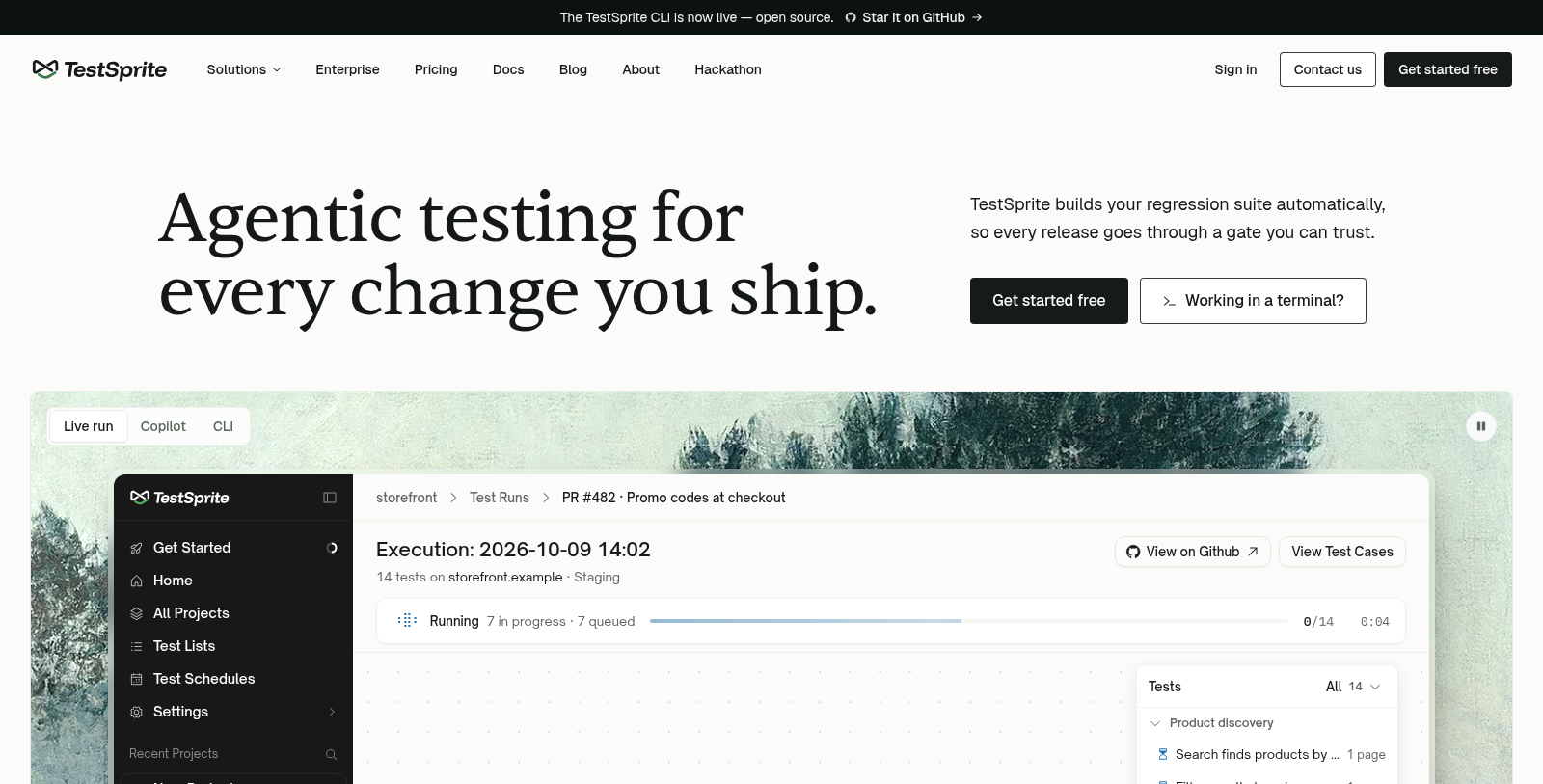
Screenshot of TestSprite
What is TestSprite?
TestSprite is an AI testing agent and automation platform for developers. It builds a regression suite automatically, runs the tests against your app after each change and reports exactly what broke.
It can be used in several ways: a CLI for coding agents and CI (the CLI is open source on GitHub), an MCP server inside your IDE, a gate on every merge through GitHub pull requests, and a no-code dashboard. Integrations listed include GitHub, Slack, Jira and Linear.
The pricing page shows a Free plan with 150 credits per month, then paid plans from $19 per month, with monthly or yearly billing, plus enterprise options. It is aimed at developers and teams who ship code frequently, including those working with AI coding agents that need an automated way to verify changes before release.
Pros & Cons
Pros
- Writes a regression suite automatically and runs it after every change.
- Offers a CLI, an IDE integration through MCP and a no-code dashboard.
Cons
Frequently Asked Questions
How much does TestSprite cost?
TestSprite is available at no cost.
Does TestSprite have a lifetime deal?
According to our latest information, this tool does not seem to have a lifetime deal at the moment, unfortunately.
How does TestSprite keep my app tested?
TestSprite builds a regression suite automatically for your app. After each change it runs the tests and reports exactly what broke. The site describes it as an agentic testing platform that writes end-to-end tests, so teams can catch failures without assembling a test suite by hand.
Where can I run TestSprite?
You can use TestSprite from a CLI, which suits coding agents and CI pipelines. The CLI is open source on GitHub. Other options include an MCP server inside your IDE, a gate on every merge through GitHub pull requests, and a no-code browser dashboard for people who prefer not to use the command line.
Which services does TestSprite connect with?
The site lists integrations with GitHub, Slack, Jira and Linear. The merge gate runs through GitHub pull requests, so teams on GitHub can check each change before it lands. Confirm the current integration list and setup steps on the official TestSprite website.
Who should consider TestSprite?
TestSprite is aimed at developers and teams that ship code frequently. It also fits groups working with AI coding agents, which need an automated way to verify changes before release. If your releases come often and manual regression checks slow you down, the platform is built with that workflow in mind.
Can non-developers use TestSprite?
The platform includes a no-code browser dashboard, which is one of its listed options alongside the CLI and IDE integration. The site positions the product mainly for developers, so people without coding experience should review the dashboard features on the official website to judge whether they fit.
Notice: This website uses affiliate links to earn commissions from sales. Please read their ToS when signing up somewhere.