













Vectorizer.AI

Online AI image vectorizer converting PNG, JPG, GIF and WebP into SVG, PDF, EPS and DXF
Vectorizer.ai
Is this your tool?
Follow for updates & deals
Get alerts for Vectorizer.AI discounts, feature releases & pricing changes
Similar Tools
Kaedim
AI service turning sketches, photos and briefs into production-ready 3D assets

Pixlr
Online AI photo editor and image generator with video, face swap and background removal

remove.bg
Automatically remove image backgrounds in seconds.

Logo Diffusion
AI logo maker with text, sketch and image to logo, editing, vectorizing and mockups

LogoCreatorAI
AI logo generator for startups, designers and solopreneurs, with magic-link signup

Vectorizer.AI Media Gallery
What is Vectorizer.AI?
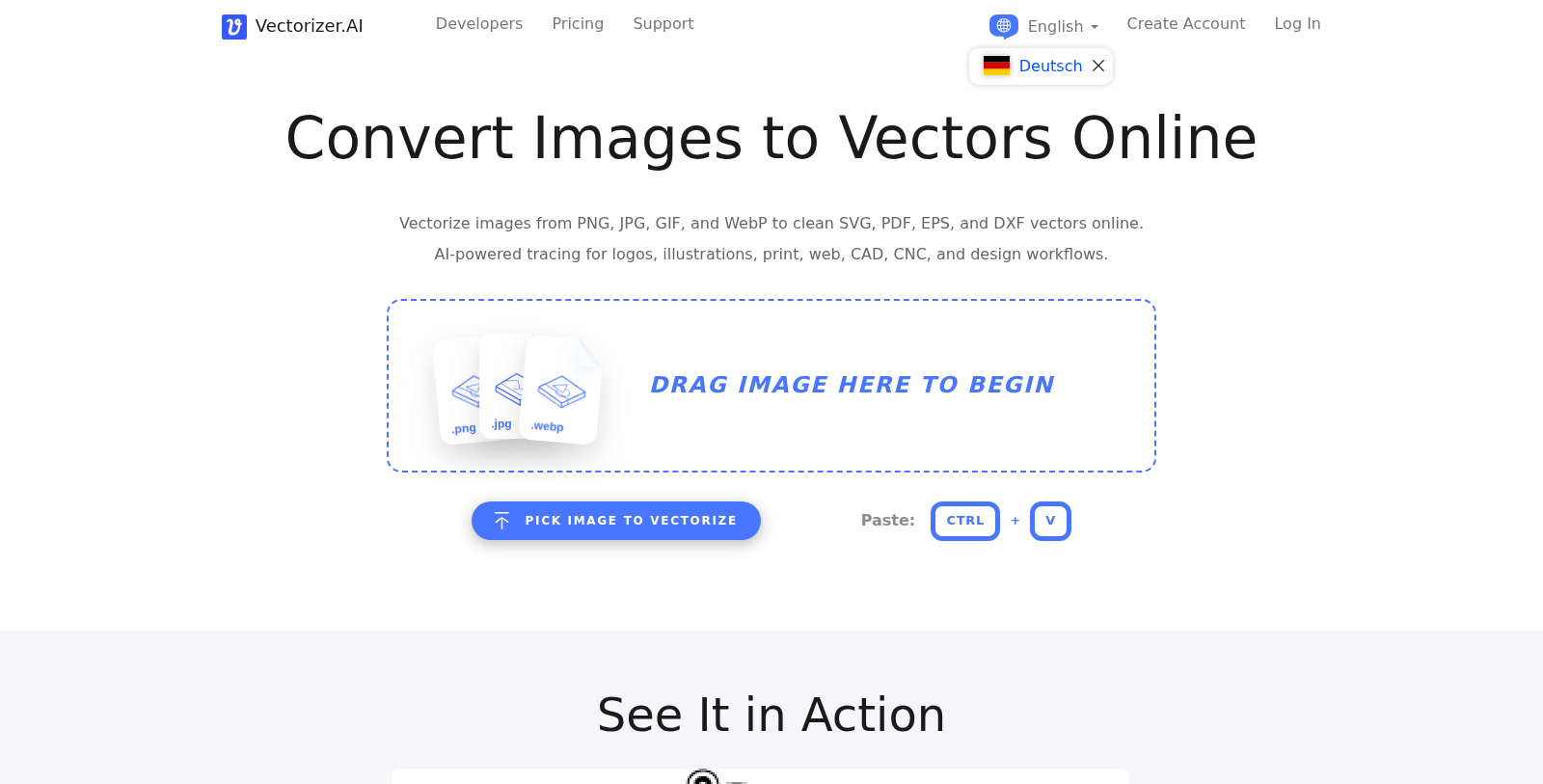
Vectorizer.AI is a browser-based tool that traces bitmap images into scalable vector artwork. You upload or paste an image and get editable shapes with smooth curves and clean colors, with no software installation.
Supported inputs include PNG, JPG, GIF, BMP and WebP, and outputs include SVG, EPS, DXF and PDF. The site mentions use cases such as logos, illustrations, print, web, and CAD or CNC workflows.
A free interactive preview lets you see the result before subscribing; downloading production results requires a web app subscription, which starts at 8.99 EUR per month. A separate usage-based API with credit plans is available for automated workflows. The interface is offered in many languages.
Pros & Cons
Pros
- Traces PNG, JPG, GIF, BMP and WebP bitmaps into scalable vector artwork.
- Runs in the browser, so no software installation is required.
- Offers a free interactive preview before any download.
Cons
- Downloading production results requires a web app subscription.
Frequently Asked Questions
Vectorizer.AI is free to start, with paid plans from 8.99 to 8.99 EUR per month.
According to our latest information, this tool does not seem to have a lifetime deal at the moment, unfortunately.
Vectorizer.AI converts raster images such as PNG, JPG, GIF, BMP and WebP into vector files. The listed output formats are SVG, EPS, DXF and PDF, so you can pick the one that suits your design, print or CAD workflow. Check the official website for the current list of supported formats before you start.
Yes. Vectorizer.AI offers a free interactive preview, so you can see how the traced shapes and colors look before you decide to download. Downloading production results requires a web app subscription, so the preview is the best place to check your image first. Details about plans are on the official website.
The site mentions use cases such as logos, illustrations, print, web, and CAD or CNC workflows. Because the output is made of editable shapes with smooth curves, it can help when a pixel image needs to be scaled without losing sharpness. Results depend on the source image, so review the traced file carefully.
No installation is needed. Vectorizer.AI is browser-based, so you upload or paste an image into the website and receive editable vector artwork. For automated workflows, the site also describes a separate usage-based API with credit plans, which you can review on the official website.
According to the site, the interface is offered in many languages. The tool is aimed at users who need to convert bitmap artwork into vector files for design, printing, web or technical drawing. For the full list of languages and current features, check the official Vectorizer.AI website.


