







Layerpath

AI-powered
Turns screenshots, recordings or Loom links into interactive walkthroughs, guides and videos
Layerpath.comOpens in new tabIs this your tool? Claim this page
Claim Your Tool Page
Free to claim • Premium features available
- Verified Badge – Show users your tool is legitimate with a verified checkmark that builds instant credibility.
- Edit Your Profile – Update descriptions, screenshots, pricing, and keep your listing accurate and up-to-date.
- Boost Visibility – Get featured placements, priority listing in categories, and promotional badges to stand out.
- Respond to Reviews – Engage with your users by responding to feedback and building trust with potential customers.
Follow for updates & deals
Get alerts for Layerpath discounts, feature releases & pricing changes
Similar Tools

Sembly AI
Agentic AI platform that turns meetings and client materials into branded decks and documents

Loom
Free screen recorder for Mac and PC

RambleFix
Turns spoken voice notes into polished emails, notes and summaries on web, iPhone and Mac

Video Highlight
AI summaries, transcripts and chat for YouTube videos and your own recordings, with a searchable archive

Shyne
AI design workspace for presentations, social content and video, shared by teams and AI agents

MockFlow
Online whiteboard and wireframing tool with an AI assistant for diagrams and product design

MiriCanvas
Online design tool with templates, photo editing and AI presentation, image and video features

Teacherbot
AI quiz maker for teachers with live classroom games and one-click Kahoot import
New Tools

Text Generator
OpenAI-compatible API giving access to many AI text, vision and speech models through one endpoint

QuickCreator
AI content team of agents that researches, writes and optimizes SEO articles in your brand voice

Linfo.ai
Summarizes articles, YouTube videos and documents into takeaways, outlines and mind maps

Brain Pod AI
AI platform for writing, images and chat, now evolving into Charigent with AI characters and workflows

AutoBlogging.Pro
Generates SEO-optimized blog articles with GPT models and publishes them to WordPress automatically

Vsub
Turns a script or voiceover into narrated, illustrated faceless videos using your own style template

VideoToPage
Turns YouTube videos, uploads and recordings into blog posts, articles and social posts

Layerpath Media Gallery
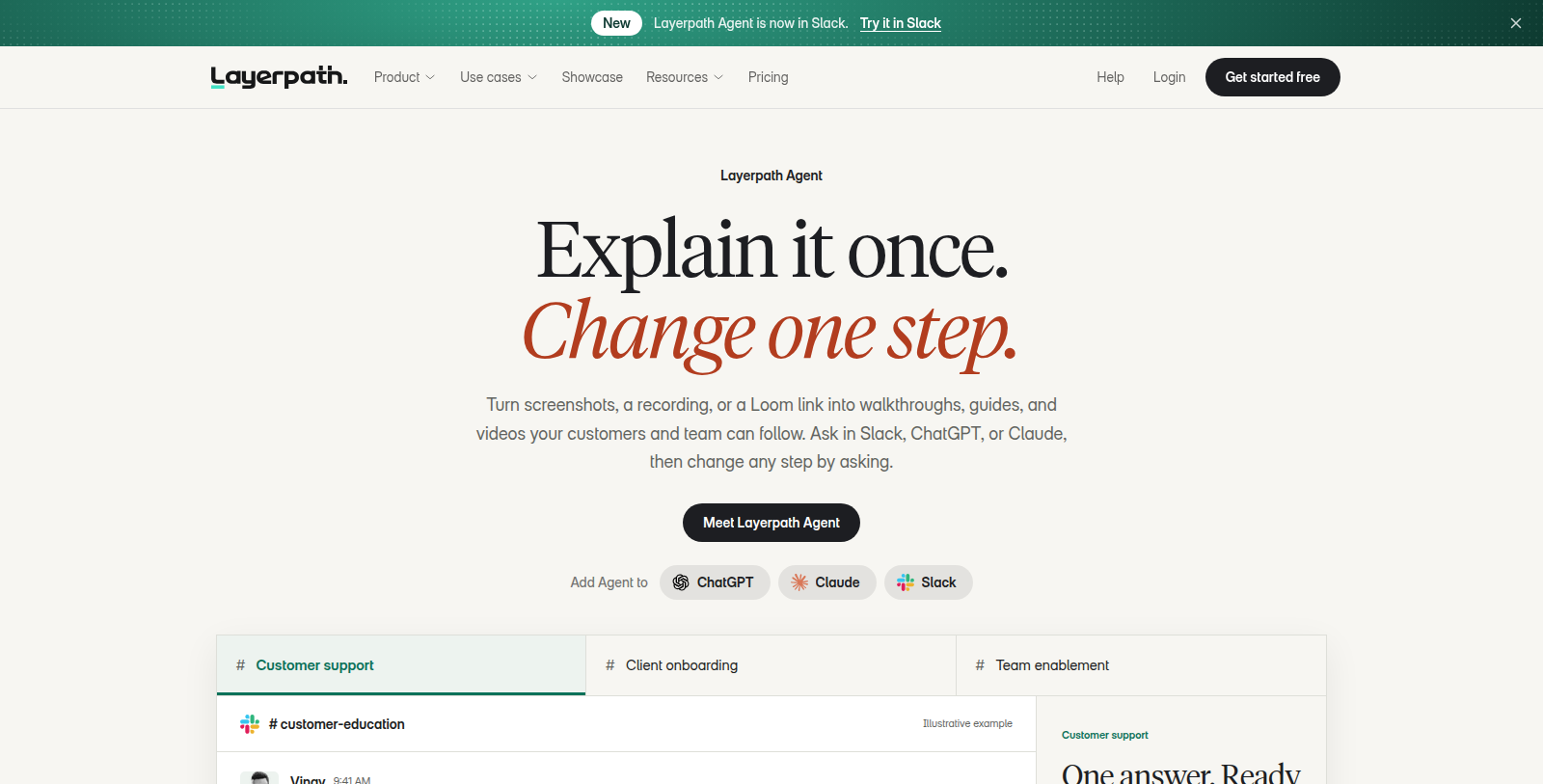
Screenshot of Layerpath
What is Layerpath?
Layerpath is a software walkthrough and training tool. You start from screenshots, a recording or a Loom link, or capture steps with a Chrome extension, and the result can be published as an interactive walkthrough, a step-by-step guide or a video.
The Layerpath Agent can create and edit walkthroughs when asked in Slack, ChatGPT or Claude, or through MCP. A brand memory feature stores your logo, colors and tone, and an editor lets you fine tune every step.
It is aimed at teams working on training and onboarding, customer education, internal enablement, product marketing and sales enablement. A free plan exists, with paid Pro, Team and Enterprise plans for unlimited publishing, more seats and custom domains.
Pros & Cons
Pros
- Builds walkthroughs from screenshots, a screen recording, a Loom link or steps captured in Chrome.
- Publishes one walkthrough as an interactive guide, a written step-by-step guide or a video.
Cons
Frequently Asked Questions
How much does Layerpath cost?
Layerpath is available at no cost.
Does Layerpath have a lifetime deal?
According to our latest information, this tool does not seem to have a lifetime deal at the moment, unfortunately.
How do I make my first walkthrough in Layerpath?
You can start from screenshots, a screen recording or a Loom link, or capture the steps with the Chrome extension. Layerpath turns that material into a walkthrough you can review in the editor. Each step can be adjusted before anything goes out. Once the steps look right, you choose whether to publish them as an interactive walkthrough, a written guide or a video.
Can I ask the Layerpath Agent to change a walkthrough?
According to the site, the Layerpath Agent can create and edit walkthroughs when you ask for it in Slack, ChatGPT or Claude, or through MCP. That lets you request a change where you already work instead of opening the editor. You can still fine tune individual steps yourself afterwards, and the brand memory feature keeps your logo, colors and tone consistent.
Which teams is Layerpath mainly built for?
The website names training and onboarding, customer education, internal enablement, product marketing and sales enablement as its main use cases. These teams often need to explain software to new users or colleagues. Because the walkthroughs start from real screenshots or recordings, they stay close to what people actually see on screen.
Can one Layerpath walkthrough serve readers and viewers?
The same walkthrough can be published as an interactive version people click through, as a step-by-step guide to read, or as a video. That lets one set of steps reach people who prefer different formats. If you need a particular publishing option, such as a custom domain, confirm it on the official website first.
Notice: This website uses affiliate links to earn commissions from sales. Please read their ToS when signing up somewhere.