







Video Highlight

AI-powered
AI summaries, transcripts and chat for YouTube videos and your own recordings, with a searchable archive
Videohighlight.comOpens in new tabIs this your tool? Claim this page
Claim Your Tool Page
Free to claim • Premium features available
- Verified Badge – Show users your tool is legitimate with a verified checkmark that builds instant credibility.
- Edit Your Profile – Update descriptions, screenshots, pricing, and keep your listing accurate and up-to-date.
- Boost Visibility – Get featured placements, priority listing in categories, and promotional badges to stand out.
- Respond to Reviews – Engage with your users by responding to feedback and building trust with potential customers.
Follow for updates & deals
Get alerts for Video Highlight discounts, feature releases & pricing changes
Similar Tools

RambleFix
Turns spoken voice notes into polished emails, notes and summaries on web, iPhone and Mac

Shadow
Mac meeting assistant that records calls without a bot and saves them as Markdown for you and your agents

Leexi
European AI notetaker that transcribes, summarizes and tracks meetings with GDPR compliance

UniScribe
AI transcription of audio, video and YouTube links with summaries, translation and exports

PlainScribe
Pay-as-you-go AI transcription and translation for audio and video in 59 languages

Cockatoo
AI transcription of audio and video in 36 languages with timestamps, editing and export

Letterly
Voice dictation and AI note taker that turns speech into messages, notes and meeting recaps

Jamie
Bot-free AI meeting notes for online and in-person meetings with EU data hosting
New Tools

Text Generator
OpenAI-compatible API giving access to many AI text, vision and speech models through one endpoint

QuickCreator
AI content team of agents that researches, writes and optimizes SEO articles in your brand voice

Linfo.ai
Summarizes articles, YouTube videos and documents into takeaways, outlines and mind maps

Brain Pod AI
AI platform for writing, images and chat, now evolving into Charigent with AI characters and workflows

AutoBlogging.Pro
Generates SEO-optimized blog articles with GPT models and publishes them to WordPress automatically

Vsub
Turns a script or voiceover into narrated, illustrated faceless videos using your own style template

VideoToPage
Turns YouTube videos, uploads and recordings into blog posts, articles and social posts

Video Highlight Media Gallery
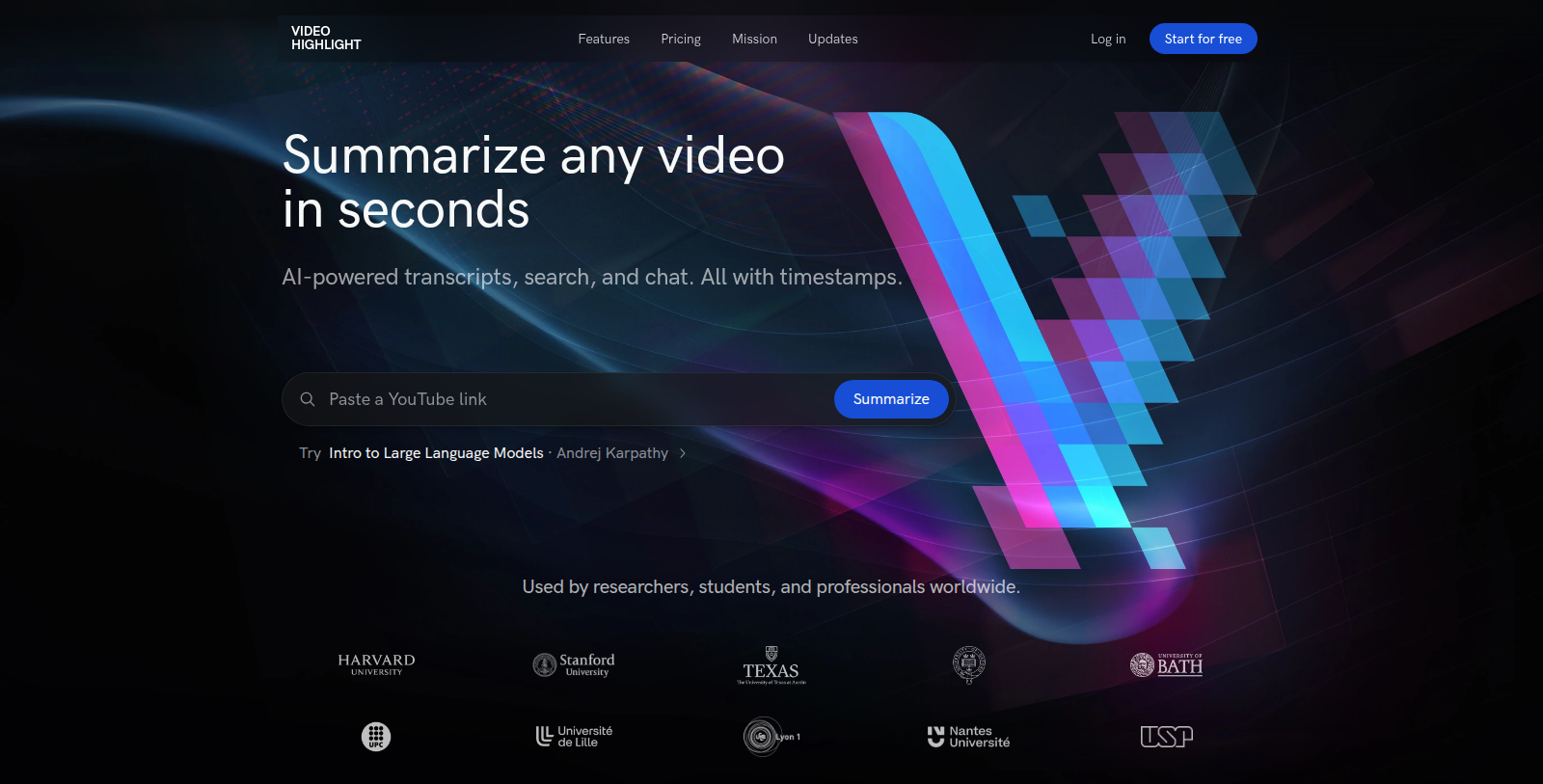
Screenshot of Video Highlight
What is Video Highlight?
Video Highlight is an AI tool for summarizing and transcribing video. It produces timestamped summaries and key points, and transcripts in 37+ languages, for YouTube and other video links.
Users can also upload MP4, MOV, MKV and AVI files or audio such as MP3, WAV and M4A to build a private archive that can be searched and chatted with across the whole collection. Highlights, notes, playlists and team sharing are included.
Summaries and notes can be exported to Notion and Readwise or copied as Word, Markdown or CSV, and connectors link the library to assistants such as Claude and ChatGPT. The site offers a free plan and paid Plus, Pro and Business plans; prices were not readable without JavaScript.
Pros & Cons
Pros
- Timestamped summaries and key points help you find the relevant part quickly
- Transcripts are offered in 37 or more languages for YouTube and uploaded media
Cons
Frequently Asked Questions
How much does Video Highlight cost?
Video Highlight offers a freemium model with free features available and premium options for advanced functionality.
Does Video Highlight have a lifetime deal?
According to our latest information, this tool does not seem to have a lifetime deal at the moment, unfortunately.
How does it summarize a video?
It produces timestamped summaries and key points for a video, which lets you jump straight to the part that matters. Transcripts are available in 37 or more languages. The tool works with YouTube links as well as uploaded video and audio files.
What file types can I upload?
You can upload MP4, MOV, MKV and AVI video, and audio files such as MP3, WAV and M4A. Uploads build a private archive that you can search and chat with across the whole collection. Meeting recordings can be added the same way.
Where can summaries go after I create them?
Summaries and notes can be exported to Notion and Readwise, or copied as Word, Markdown or CSV. Connectors also link your library to assistants such as Claude and ChatGPT. Highlights, notes, playlists and team sharing are included in the product.
Does it support teams?
Team sharing is included, and playlists let groups organize videos into collections. Highlights and notes can be shared so colleagues see the same key points. The site lists several paid tiers, but the exact plan details could not be read without JavaScript, so check the official site.
Notice: This website uses affiliate links to earn commissions from sales. Please read their ToS when signing up somewhere.