







Shadow

AI-powered
Mac meeting assistant that records calls without a bot and saves them as Markdown for you and your agents
Shadow.doOpens in new tabIs this your tool? Claim this page
Claim Your Tool Page
Free to claim • Premium features available
- Verified Badge – Show users your tool is legitimate with a verified checkmark that builds instant credibility.
- Edit Your Profile – Update descriptions, screenshots, pricing, and keep your listing accurate and up-to-date.
- Boost Visibility – Get featured placements, priority listing in categories, and promotional badges to stand out.
- Respond to Reviews – Engage with your users by responding to feedback and building trust with potential customers.
Follow for updates & deals
Get alerts for Shadow discounts, feature releases & pricing changes
Similar Tools

RambleFix
Turns spoken voice notes into polished emails, notes and summaries on web, iPhone and Mac

Video Highlight
AI summaries, transcripts and chat for YouTube videos and your own recordings, with a searchable archive

Leexi
European AI notetaker that transcribes, summarizes and tracks meetings with GDPR compliance

UniScribe
AI transcription of audio, video and YouTube links with summaries, translation and exports

PlainScribe
Pay-as-you-go AI transcription and translation for audio and video in 59 languages

Cockatoo
AI transcription of audio and video in 36 languages with timestamps, editing and export

Letterly
Voice dictation and AI note taker that turns speech into messages, notes and meeting recaps

Jamie
Bot-free AI meeting notes for online and in-person meetings with EU data hosting
New Tools

Text Generator
OpenAI-compatible API giving access to many AI text, vision and speech models through one endpoint

QuickCreator
AI content team of agents that researches, writes and optimizes SEO articles in your brand voice

Linfo.ai
Summarizes articles, YouTube videos and documents into takeaways, outlines and mind maps

Brain Pod AI
AI platform for writing, images and chat, now evolving into Charigent with AI characters and workflows

AutoBlogging.Pro
Generates SEO-optimized blog articles with GPT models and publishes them to WordPress automatically

Vsub
Turns a script or voiceover into narrated, illustrated faceless videos using your own style template

VideoToPage
Turns YouTube videos, uploads and recordings into blog posts, articles and social posts

Shadow Media Gallery
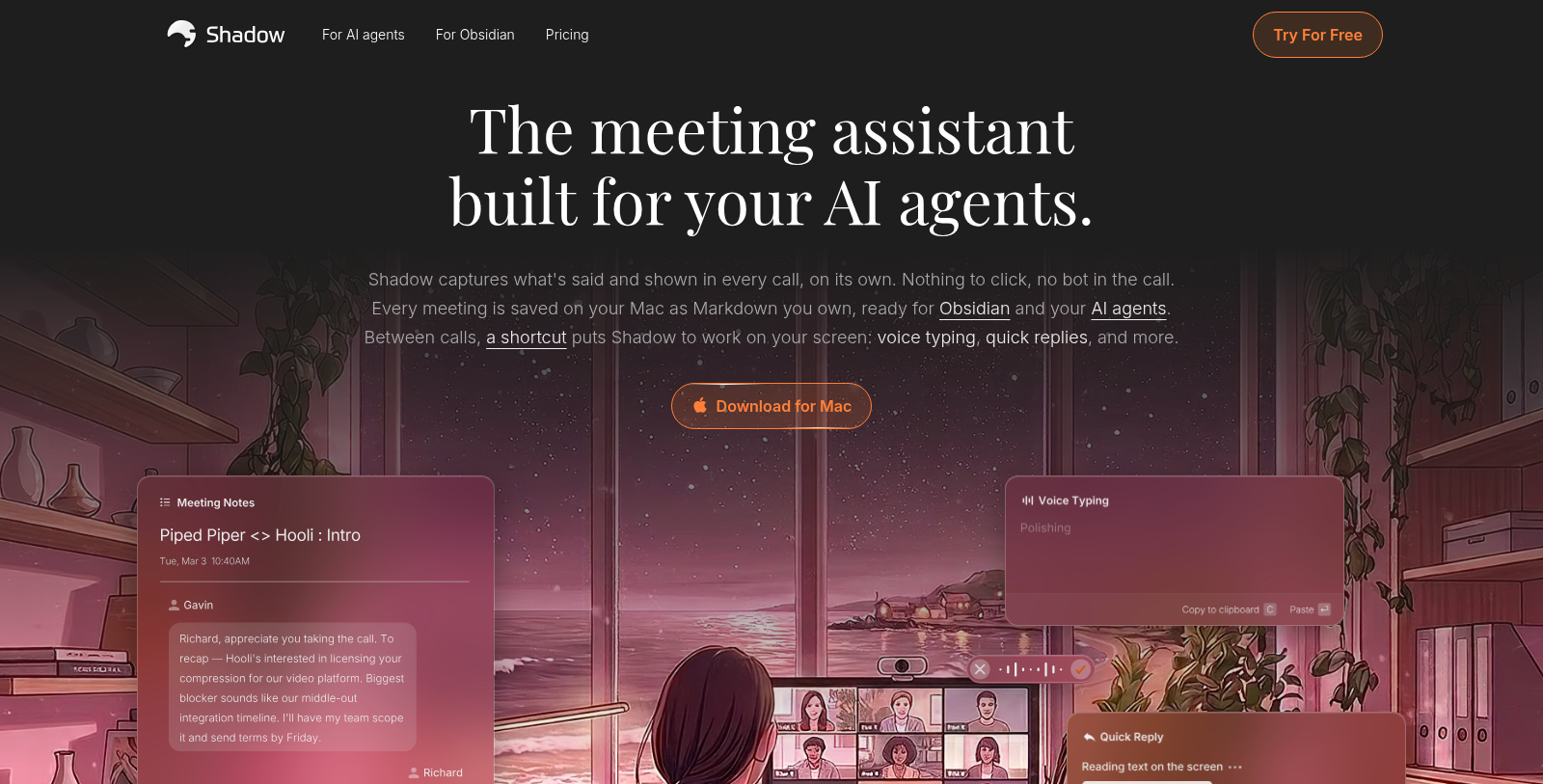
Screenshot of Shadow
What is Shadow?
Shadow is an AI meeting assistant for Mac. It starts and stops with your calls on its own, transcribes what is said, labels speakers and captures screenshots of the meeting window, without a bot joining the call.
Every meeting is stored on your Mac as Markdown, on any plan, so it can be used in Obsidian or read by your AI agents. Meeting Skills are editable prompts that run after a call to create notes, action items or follow-up emails. Action Skills run from a keyboard shortcut on your voice, screen or selected text, for example for voice typing or quick replies.
Transcripts and Skill results can be sent by webhook to tools such as Zapier, n8n and Make, and you can ask questions about a meeting, including what was shown on screen.
The Free plan includes unlimited transcription, audio recording and smart screenshots; Plus costs $8 per month and adds unlimited AI features.
Pros & Cons
Pros
- Records and transcribes calls on a Mac without a bot joining the meeting.
- Stores each meeting as Markdown on your Mac, so notes work with Obsidian or AI agents.
Cons
- Shadow is built for Mac, so people on other operating systems cannot use the app.
Frequently Asked Questions
How much does Shadow cost?
Shadow is available at no cost.
Does Shadow have a lifetime deal?
According to our latest information, this tool does not seem to have a lifetime deal at the moment, unfortunately.
How does Shadow record a meeting without a bot joining?
Shadow starts and stops with your calls on its own and records the audio on your Mac. It transcribes what is said, labels the speakers and captures screenshots of the meeting window. The result is a full transcript with speaker labels plus the screen captures, which you can review after the call ends.
What are Meeting Skills and Action Skills in Shadow?
Meeting Skills are editable prompts that run after a call to create notes, action items or follow-up emails. Action Skills run from a keyboard shortcut on your voice, your screen or selected text, for example for voice typing or quick replies. You can edit both kinds of skill to match the way your team writes.
Can I send Shadow results to other tools?
Transcripts and Skill results can be sent by webhook to services such as Zapier, n8n and Make. That lets you pass meeting notes into a CRM, a project tool or a custom workflow without copying them by hand. Set up the webhook in your Shadow settings and test it with one meeting first.
Can I ask questions about a meeting after it ends?
You can ask questions about a meeting, including what was shown on screen during the call. Because every meeting is stored as Markdown on your Mac, you can also keep the notes in a tool such as Obsidian. This makes it easier to find a decision or a figure weeks later.
Notice: This website uses affiliate links to earn commissions from sales. Please read their ToS when signing up somewhere.