







UniScribe

AI-powered
AI transcription of audio, video and YouTube links with summaries, translation and exports
Uniscribe.coOpens in new tabIs this your tool? Claim this page
Claim Your Tool Page
Free to claim • Premium features available
- Verified Badge – Show users your tool is legitimate with a verified checkmark that builds instant credibility.
- Edit Your Profile – Update descriptions, screenshots, pricing, and keep your listing accurate and up-to-date.
- Boost Visibility – Get featured placements, priority listing in categories, and promotional badges to stand out.
- Respond to Reviews – Engage with your users by responding to feedback and building trust with potential customers.
Follow for updates & deals
Get alerts for UniScribe discounts, feature releases & pricing changes
Similar Tools

DeepL
Provides AI-powered translation and writing assistance to overcome language barriers.

RambleFix
Turns spoken voice notes into polished emails, notes and summaries on web, iPhone and Mac

Video Highlight
AI summaries, transcripts and chat for YouTube videos and your own recordings, with a searchable archive

Omnifact
GDPR-compliant enterprise AI platform with a privacy filter, hosted in Germany or on-premises

Mendable
Platform to train an AI chat assistant on your docs and data and embed it for customer support

Shadow
Mac meeting assistant that records calls without a bot and saves them as Markdown for you and your agents

Leexi
European AI notetaker that transcribes, summarizes and tracks meetings with GDPR compliance

PlainScribe
Pay-as-you-go AI transcription and translation for audio and video in 59 languages
New Tools

Text Generator
OpenAI-compatible API giving access to many AI text, vision and speech models through one endpoint

QuickCreator
AI content team of agents that researches, writes and optimizes SEO articles in your brand voice

Linfo.ai
Summarizes articles, YouTube videos and documents into takeaways, outlines and mind maps

Brain Pod AI
AI platform for writing, images and chat, now evolving into Charigent with AI characters and workflows

AutoBlogging.Pro
Generates SEO-optimized blog articles with GPT models and publishes them to WordPress automatically

Vsub
Turns a script or voiceover into narrated, illustrated faceless videos using your own style template

VideoToPage
Turns YouTube videos, uploads and recordings into blog posts, articles and social posts

UniScribe Media Gallery
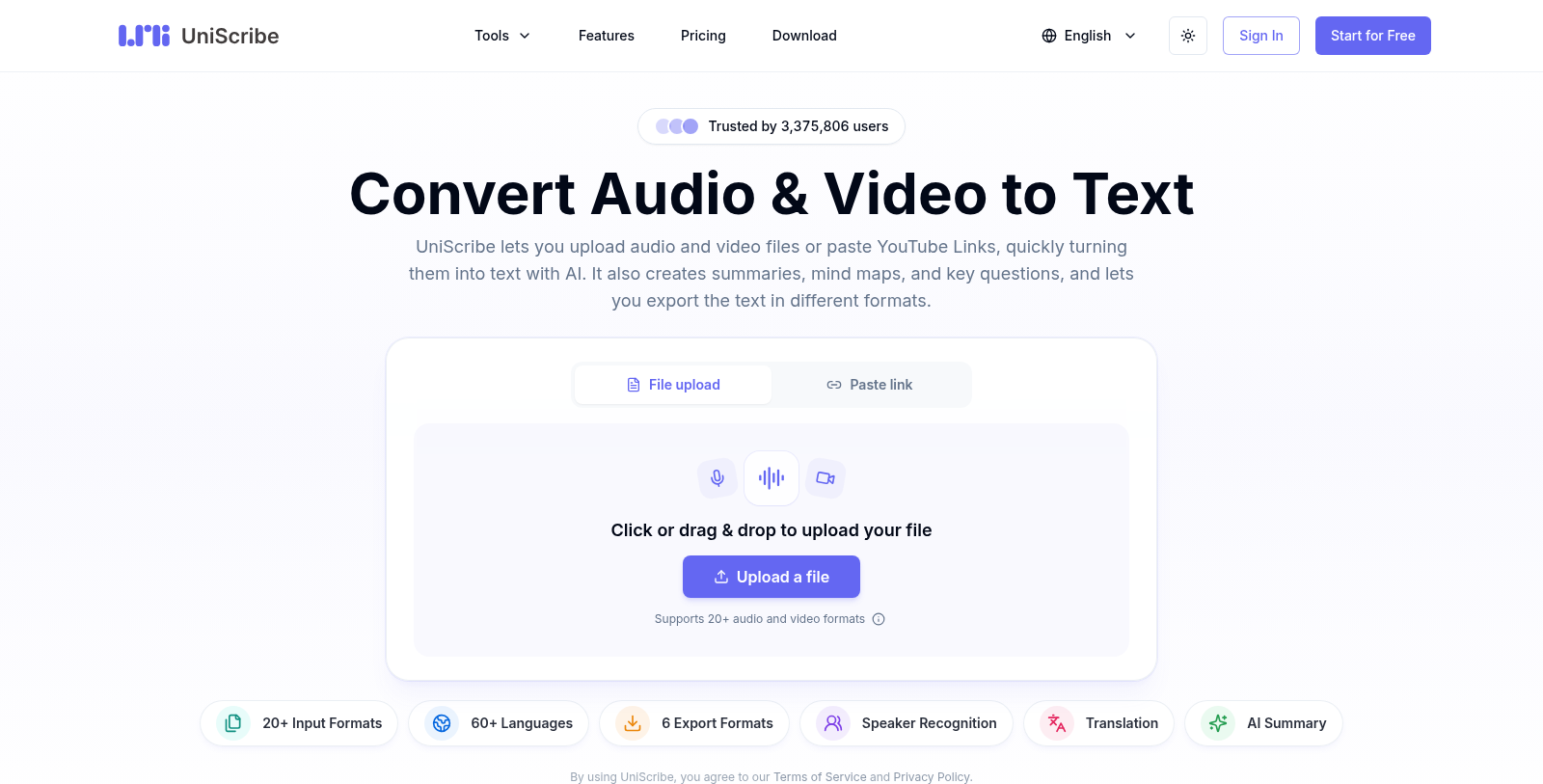
Screenshot of UniScribe
What is UniScribe?
UniScribe is an online transcription tool. You upload an audio or video file, or paste a YouTube link, and the AI returns a text transcript. The site lists support for 20+ input formats and 60+ languages.
Besides the transcript, it offers speaker recognition, AI translation, summaries, mind maps and key questions. Transcripts can be exported as TXT, Word, PDF, CSV, SRT or VTT, or shared through a link. Paid tiers add API access, custom vocabulary, bulk transcription and a premium model.
There is a free plan with 120 minutes per month. Paid plans are Basic at $6 per month, Standard at $12 and Pro at $18 when billed yearly, with higher monthly prices when billed monthly. Apps for iOS and Android and a download page are also listed.
Pros & Cons
Pros
- Accepts uploaded audio and video files as well as YouTube links.
- Exports to TXT, Word, PDF, CSV, SRT and VTT formats.
Cons
- API access, custom vocabulary and bulk transcription require a paid tier.
Frequently Asked Questions
How much does UniScribe cost?
UniScribe is available at no cost.
Does UniScribe have a lifetime deal?
According to our latest information, this tool does not seem to have a lifetime deal at the moment, unfortunately.
Can UniScribe transcribe a YouTube video from a link?
You can paste a YouTube link instead of uploading a file, and the AI returns a text transcript from it. The site also lists support for 20+ input formats if you prefer to upload audio or video directly. Transcripts can then be exported as TXT, Word, PDF, CSV, SRT or VTT for notes, subtitles or documents.
What can I do with a UniScribe transcript besides reading it?
Besides the transcript, UniScribe offers speaker recognition, AI translation, summaries, mind maps and key questions. These extras help turn a long recording into shorter notes or study material. Transcripts can also be shared through a link, which is handy when a colleague needs to review the text without you exporting a file first.
Does UniScribe offer an API or custom vocabulary?
Paid tiers add API access, custom vocabulary, bulk transcription and a premium model, according to the listing. Custom vocabulary can help with names and technical terms that a general model might misspell. The entry-level tier covers a fixed number of minutes per month, so check the official UniScribe website to see which tier includes each option you need.
Which platforms can I use UniScribe on?
The listing mentions apps for iOS and Android, along with a download page. The core service is an online tool, so you can upload audio or video through the browser and receive a text transcript. Current app availability and the features each version includes are best confirmed on the UniScribe website, since they may differ from the web version.
Notice: This website uses affiliate links to earn commissions from sales. Please read their ToS when signing up somewhere.