







Visla
AI-powered
AI video platform that turns ideas, scripts and documents into edited videos for teams
Visla.usOpens in new tabIs this your tool? Claim this page
Claim Your Tool Page
Free to claim • Premium features available
- Verified Badge – Show users your tool is legitimate with a verified checkmark that builds instant credibility.
- Edit Your Profile – Update descriptions, screenshots, pricing, and keep your listing accurate and up-to-date.
- Boost Visibility – Get featured placements, priority listing in categories, and promotional badges to stand out.
- Respond to Reviews – Engage with your users by responding to feedback and building trust with potential customers.
Follow for updates & deals
Get alerts for Visla discounts, feature releases & pricing changes
Similar Tools

Vsub
Turns a script or voiceover into narrated, illustrated faceless videos using your own style template

Videotok
Generates faceless videos, product images, UGC and video ads from a topic, script, link or audio file

Videco
AI content studio and video hosting workspace that repurposes video into clips, copy and landing pages

Storyboarder.ai
Creates storyboards, shot lists and animatics from an uploaded script with AI-generated images

QuickMagic
Converts video or text prompts into editable 3D motion capture data for animation workflows

Prodia
Inference API for generative video and image models, billed at published per-job prices

Plazmapunk
Generates music videos from an uploaded track with AI, with a scene editor for directing clips

Overlap
Turns long videos into captioned short clips and publishes them to social accounts you own
New Tools

Text Generator
OpenAI-compatible API giving access to many AI text, vision and speech models through one endpoint

RambleFix
Turns spoken voice notes into polished emails, notes and summaries on web, iPhone and Mac

QuickCreator
AI content team of agents that researches, writes and optimizes SEO articles in your brand voice

Linfo.ai
Summarizes articles, YouTube videos and documents into takeaways, outlines and mind maps

Brain Pod AI
AI platform for writing, images and chat, now evolving into Charigent with AI characters and workflows

AutoBlogging.Pro
Generates SEO-optimized blog articles with GPT models and publishes them to WordPress automatically

VideoToPage
Turns YouTube videos, uploads and recordings into blog posts, articles and social posts

Visla Media Gallery
Screenshot of Visla
What is Visla?
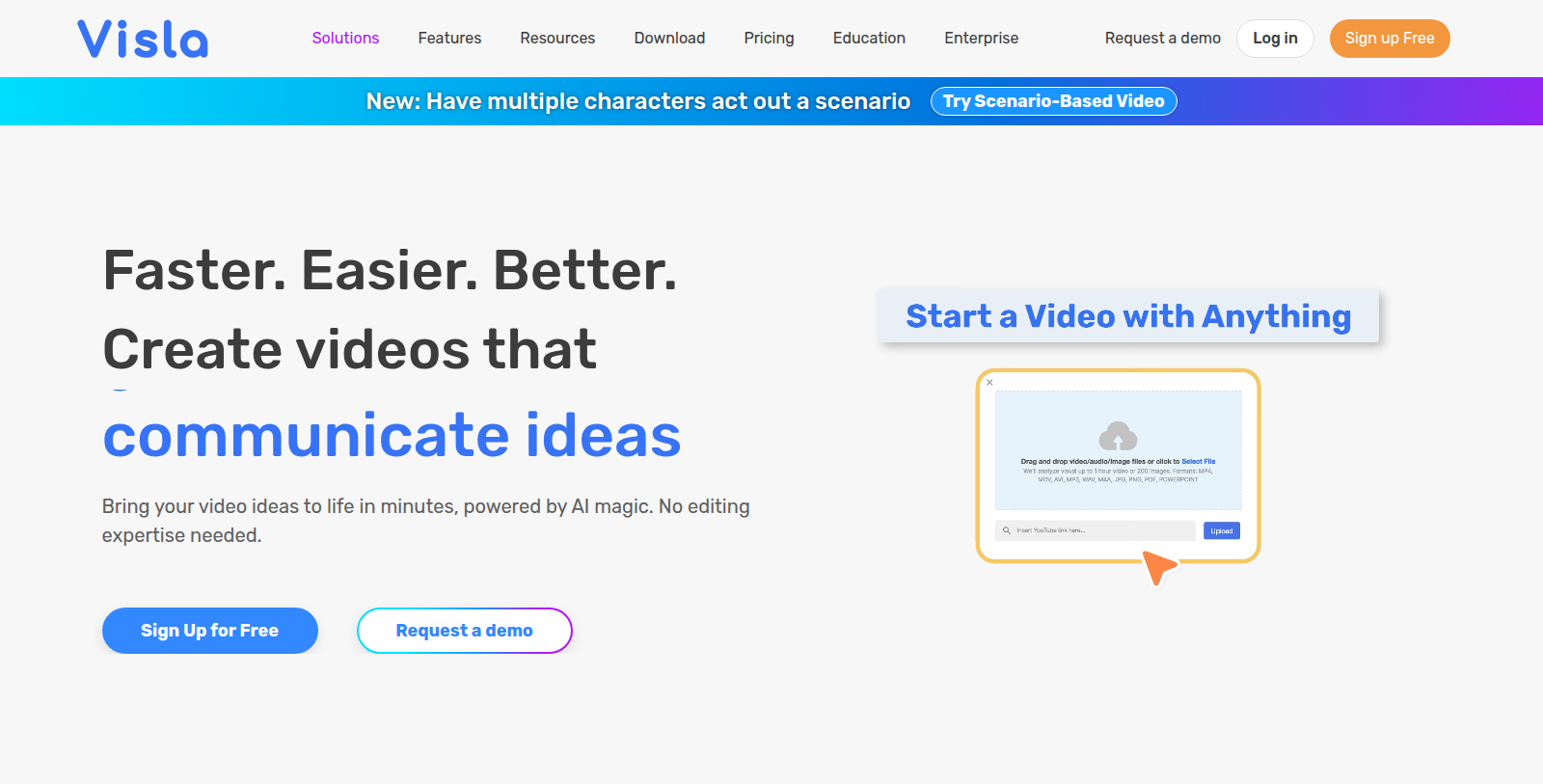
Visla is an AI-driven video creation platform for business use. It can generate videos from an idea, a script, text content, a webpage, a PDF, a presentation or audio, and handles the storyboard, B-roll, voice-over and subtitles automatically.
The platform also includes an AI video editor with scene-based and text-based editing, AI avatars and voice cloning, screen, video and meeting recording, a teleprompter, and a step recorder for creating SOP-style videos.
Collaboration features cover shared workspaces, review and comments, auto transcription and embedding. Visla lists use cases for marketing, sales, training, customer success, product and HR teams, and offers Free, Pro, Business and Enterprise plans plus an API.
Pros & Cons
Pros
- Generates videos from scripts, webpages, PDFs, presentations and audio sources.
- Includes AI avatars, voice cloning and a step recorder for SOP-style videos.
Cons
Frequently Asked Questions
How much does Visla cost?
Visla offers a freemium model with free features available and premium options for advanced functionality.
Does Visla have a lifetime deal?
According to our latest information, this tool does not seem to have a lifetime deal at the moment, unfortunately.
What kinds of videos can Visla create?
Visla can generate videos from an idea, a script, text content, a webpage, a PDF, a presentation or audio. It handles the storyboard, B-roll, voice-over and subtitles automatically. That makes it practical when you have written material but no production crew.
Does Visla include editing tools?
Yes, the AI video editor supports scene-based and text-based editing. AI avatars and voice cloning are included as well. A teleprompter and screen, video and meeting recording round out the production toolkit. Subtitles are produced automatically as part of the video workflow.
How do teams review videos together?
Shared workspaces give teams a common place to collaborate on projects. Review and comments are built in, and auto transcription plus embedding helps distribute finished videos. A step recorder is available for producing SOP-style walkthroughs. Reviewers can leave feedback directly on the work rather than in separate email threads.
Which departments use Visla most often?
The site lists use cases for marketing, sales, training, customer success, product and HR teams. Business teams that regularly produce explainers or internal training videos are the intended audience. Look for industry-specific examples on the vendor website. Teams can generate from whichever input they already have, such as a PDF or a webpage.
Does Visla offer programmatic access?
Yes, Visla provides an API alongside its web platform. Developers can use it to connect video creation to their own systems. Confirm which API features and limits apply to your account on the official site. The web platform remains available for people who prefer working without code.
Notice: This website uses affiliate links to earn commissions from sales. Please read their ToS when signing up somewhere.