







Clipto

AI-powered
Local AI memory for videos, audio and documents with transcription and search
Clipto.comOpens in new tabIs this your tool? Claim this page
Claim Your Tool Page
Free to claim • Premium features available
- Verified Badge – Show users your tool is legitimate with a verified checkmark that builds instant credibility.
- Edit Your Profile – Update descriptions, screenshots, pricing, and keep your listing accurate and up-to-date.
- Boost Visibility – Get featured placements, priority listing in categories, and promotional badges to stand out.
- Respond to Reviews – Engage with your users by responding to feedback and building trust with potential customers.
Follow for updates & deals
Get alerts for Clipto discounts, feature releases & pricing changes
Similar Tools

RambleFix
Turns spoken voice notes into polished emails, notes and summaries on web, iPhone and Mac

Video Highlight
AI summaries, transcripts and chat for YouTube videos and your own recordings, with a searchable archive

VoiceLine
Voice AI platform for enterprise field sales that captures visit notes by voice and syncs them to CRMs

Talknotes
AI voice note app that transcribes recordings and turns them into notes, lists, emails and posts

Shadow
Mac meeting assistant that records calls without a bot and saves them as Markdown for you and your agents

Notability
Note-taking app for handwritten notes, audio and PDFs with AI summaries, quizzes and flashcards

Leexi
European AI notetaker that transcribes, summarizes and tracks meetings with GDPR compliance

UniScribe
AI transcription of audio, video and YouTube links with summaries, translation and exports
New Tools

Text Generator
OpenAI-compatible API giving access to many AI text, vision and speech models through one endpoint

QuickCreator
AI content team of agents that researches, writes and optimizes SEO articles in your brand voice

Linfo.ai
Summarizes articles, YouTube videos and documents into takeaways, outlines and mind maps

Brain Pod AI
AI platform for writing, images and chat, now evolving into Charigent with AI characters and workflows

AutoBlogging.Pro
Generates SEO-optimized blog articles with GPT models and publishes them to WordPress automatically

Vsub
Turns a script or voiceover into narrated, illustrated faceless videos using your own style template

VideoToPage
Turns YouTube videos, uploads and recordings into blog posts, articles and social posts

Clipto Media Gallery
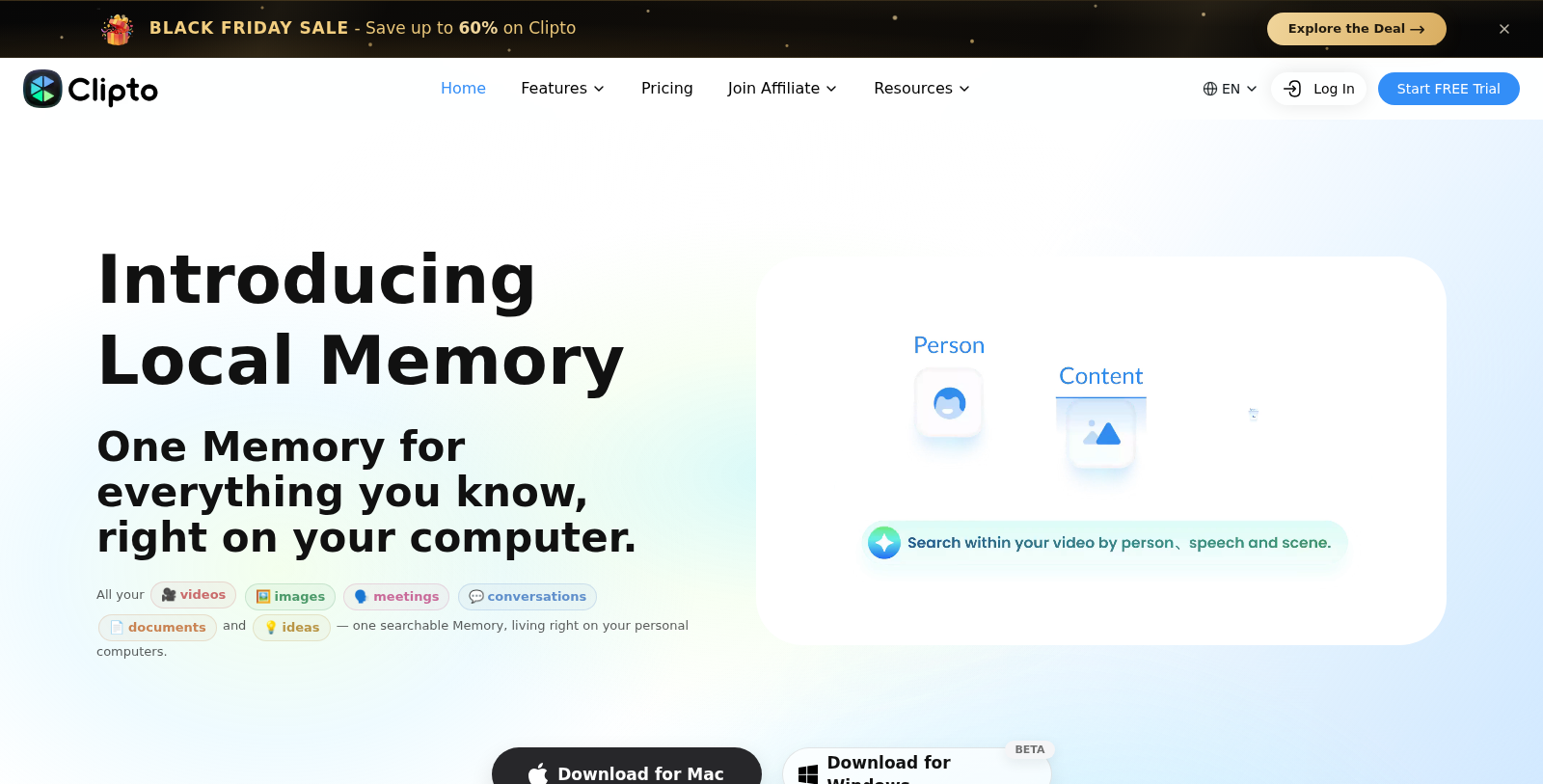
Screenshot of Clipto
What is Clipto?
Clipto is an AI platform that makes your media searchable. It transcribes videos and audio, tags people automatically and lets you search a library of recordings, meetings, documents and images down to the exact moment.
The site describes a Local Memory feature that keeps data on your own computer, with desktop apps for Mac and Windows (beta), plus iOS, Android and web versions. It connects to other tools via MCP and offers plugins for Premiere Pro and DaVinci Resolve.
Other features include a YouTube transcript generator, a video summarizer, audio and video to text converters and meeting transcription. It targets video editors, filmmakers, marketers and students. Pro plans start with a 7-day free trial.
Pros & Cons
Pros
- Transcribes videos and audio, then makes the content searchable down to the exact moment.
- The Local Memory option keeps data on the user's own computer, per the site.
- Plugins for Premiere Pro and DaVinci Resolve, plus MCP connectivity to other tools.
Cons
- The desktop apps for Mac and Windows are labeled beta on the site.
Frequently Asked Questions
How much does Clipto cost?
Clipto is a paid service. Check their website for pricing.
Does Clipto have a lifetime deal?
According to our latest information, this tool does not seem to have a lifetime deal at the moment, unfortunately.
How does Clipto make a media library searchable?
Clipto transcribes videos and audio, tags people automatically and lets you search across recordings, meetings, documents and images down to the exact moment. Instead of scrubbing through footage, you can jump directly to the passage you need. The site also describes transcription in many languages, which helps teams with multilingual archives.
Where is my data stored when I use the Local Memory feature?
The site describes Local Memory as a feature that keeps data on your own computer. Desktop apps for Mac and Windows are listed, and the desktop release is labeled beta on the site. If keeping files off third-party servers matters for your work, review the vendor's current privacy documentation before uploading sensitive material.
Does Clipto work with video editing software?
According to the site, Clipto offers plugins for Premiere Pro and DaVinci Resolve, which bring its transcript and search features into those editing environments. It also connects to other tools via MCP, so developers and power users can link it into their own workflows. Check the official site for current plugin versions.
Who is Clipto best suited for?
The site names video editors, filmmakers, marketers and students as its target audiences. Video editors can search footage by spoken content, while students can use the audio and video to text converters on their own recordings. The feature set also covers a YouTube transcript generator, a video summarizer and meeting transcription.
Which platforms can I use Clipto on?
Clipto runs as desktop apps for Mac and Windows, and the site also lists iOS, Android and web versions. The Local Memory option keeps data on the computer itself. Since platform availability can change, check the official website for the latest supported versions before relying on a specific device setup.
Notice: This website uses affiliate links to earn commissions from sales. Please read their ToS when signing up somewhere.