







Wizardshot

AI-powered
Chrome extension that captures your clicks and turns them into step-by-step tutorials
Wizardshot.comOpens in new tabIs this your tool? Claim this page
Claim Your Tool Page
Free to claim • Premium features available
- Verified Badge – Show users your tool is legitimate with a verified checkmark that builds instant credibility.
- Edit Your Profile – Update descriptions, screenshots, pricing, and keep your listing accurate and up-to-date.
- Boost Visibility – Get featured placements, priority listing in categories, and promotional badges to stand out.
- Respond to Reviews – Engage with your users by responding to feedback and building trust with potential customers.
Follow for updates & deals
Get alerts for Wizardshot discounts, feature releases & pricing changes
Similar Tools

RambleFix
Turns spoken voice notes into polished emails, notes and summaries on web, iPhone and Mac

Video Highlight
AI summaries, transcripts and chat for YouTube videos and your own recordings, with a searchable archive

MockFlow
Online whiteboard and wireframing tool with an AI assistant for diagrams and product design

Teacherbot
AI quiz maker for teachers with live classroom games and one-click Kahoot import

Toki
AI executive assistant that handles emails, scheduling, bookings and important matters for you

Pally
AI personal assistant you text, handling email, calendar, reminders, research and errands

OpenAssistantGPT
No-code platform for building RAG chatbots and AI agents trained on your website and files

Omnifact
GDPR-compliant enterprise AI platform with a privacy filter, hosted in Germany or on-premises
New Tools

Text Generator
OpenAI-compatible API giving access to many AI text, vision and speech models through one endpoint

QuickCreator
AI content team of agents that researches, writes and optimizes SEO articles in your brand voice

Linfo.ai
Summarizes articles, YouTube videos and documents into takeaways, outlines and mind maps

Brain Pod AI
AI platform for writing, images and chat, now evolving into Charigent with AI characters and workflows

AutoBlogging.Pro
Generates SEO-optimized blog articles with GPT models and publishes them to WordPress automatically

Vsub
Turns a script or voiceover into narrated, illustrated faceless videos using your own style template

VideoToPage
Turns YouTube videos, uploads and recordings into blog posts, articles and social posts

Wizardshot Media Gallery
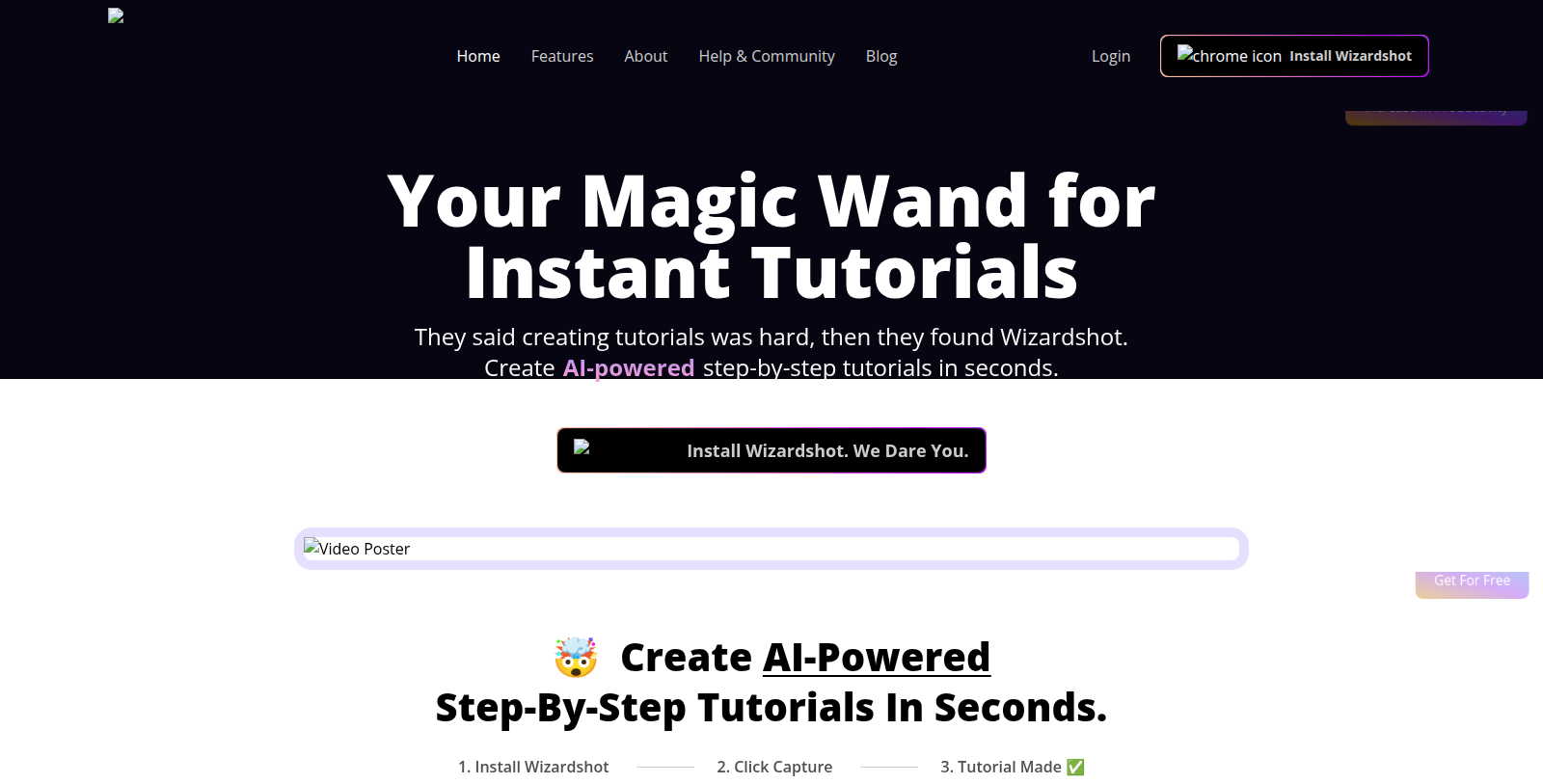
Screenshot of Wizardshot
What is Wizardshot?
Wizardshot is a web app and Chrome extension from Helpjuice that creates step-by-step tutorials by capturing what you do on screen. You click capture, work through the process, and the tool turns the recorded actions into a written guide.
An editor lets you embed videos, turn steps into GIFs and blur sensitive information. Tutorials can be exported to PDF and DOC, shared, or sent to a knowledge base, and access can be restricted or teammates invited. Analytics show how tutorials are used and what is missing.
According to the vendor, Wizardshot is free because most of the processing runs in the Chrome extension and it hopes users will also consider its paid knowledge base product, Helpjuice. The site includes comparison pages against Tango and Scribe.
Pros & Cons
Pros
- Turns recorded screen actions into a written step-by-step guide.
- Guides can be exported to PDF or DOC and shared with teammates.
Cons
- The vendor hopes users will also adopt its paid Helpjuice knowledge base.
Frequently Asked Questions
How much does Wizardshot cost?
Wizardshot is available at no cost.
Does Wizardshot have a lifetime deal?
According to our latest information, this tool does not seem to have a lifetime deal at the moment, unfortunately.
How does Wizardshot turn my work into a tutorial?
You click capture in the Chrome extension and work through the process on your screen. Wizardshot records those actions and converts them into a written, step-by-step guide. The built-in editor then lets you embed videos, turn steps into GIFs and blur sensitive information before anyone else sees the document.
Which formats can I export my guides to?
Finished tutorials can be exported as PDF or DOC files. You can also share them directly, send them to a knowledge base, restrict access or invite teammates. Analytics reveal how people use each guide and which steps appear to be missing, which helps you keep documentation current without rebuilding it from scratch.
Is Wizardshot a standalone product or part of something bigger?
Wizardshot is a web app that works together with a Chrome extension, and it comes from Helpjuice. According to the vendor, most of the processing runs inside the extension. The site also points to Helpjuice's paid knowledge base product, which is a separate offering from the tutorial tool itself.
How does Wizardshot compare with other tutorial tools?
The vendor's site includes comparison pages against Tango and Scribe, which are the two competitors it highlights. Those pages are written by the vendor, so read them as one perspective. Test the tool on a real process you already document to judge how well its output fits your style.
Notice: This website uses affiliate links to earn commissions from sales. Please read their ToS when signing up somewhere.